


Rebound Mixtape
A playlist gets shared. A mixtape gets given.
Pick your songs, fill both sides, make the cover and sign your tape. Give it to someone, then watch it travel.
Coming soon to the App StoreTake the time to choose for someone.
One song to start. Another that reminds you both of something. Then the one you want them to discover.
With Rebound Mixtape, you give them an order, a cover and a signature. You make a tape to give, which can then be passed on.
01
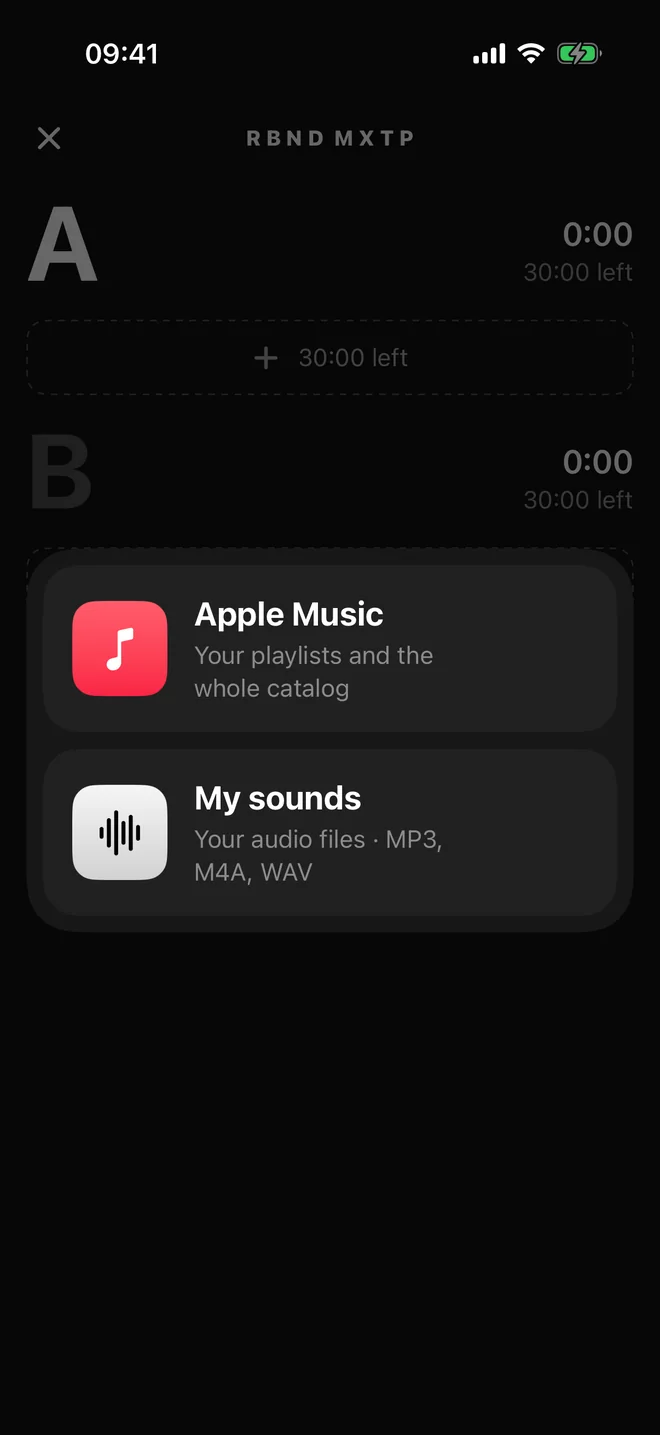
Pick your songs
From Apple Music or your own sounds: MP3, M4A, WAV. Fill side A, then side B, in the order you want them heard.
02
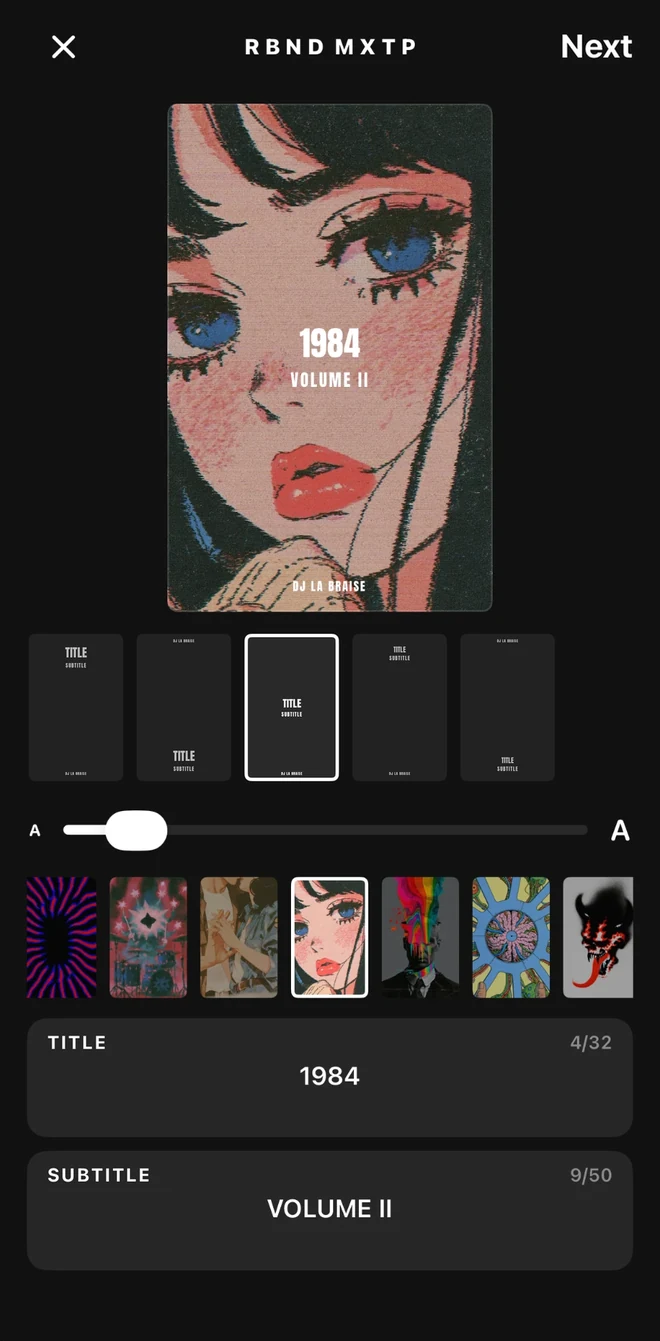
Make your cover
Your photos, your colours, a title of your choice. Sign it with your first name: they know who the tape is from.
03
Coming in the next update
Add a few words
A memory, a dedication, or just a few words before the music. Record up to 30 seconds in your own voice to open side A.

04
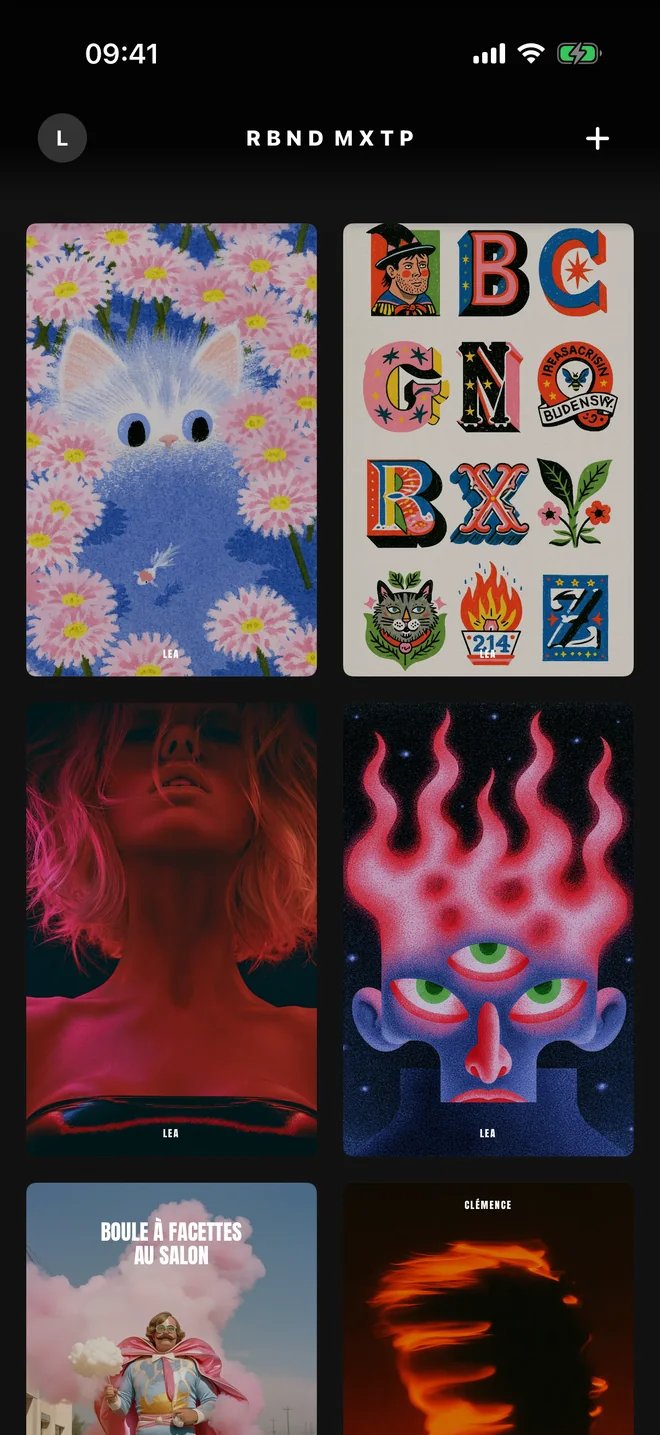
Give your tape
By Messages, WhatsApp, AirDrop or a simple link. It joins the shelf of whoever receives it, and they can pass it on in turn.
05
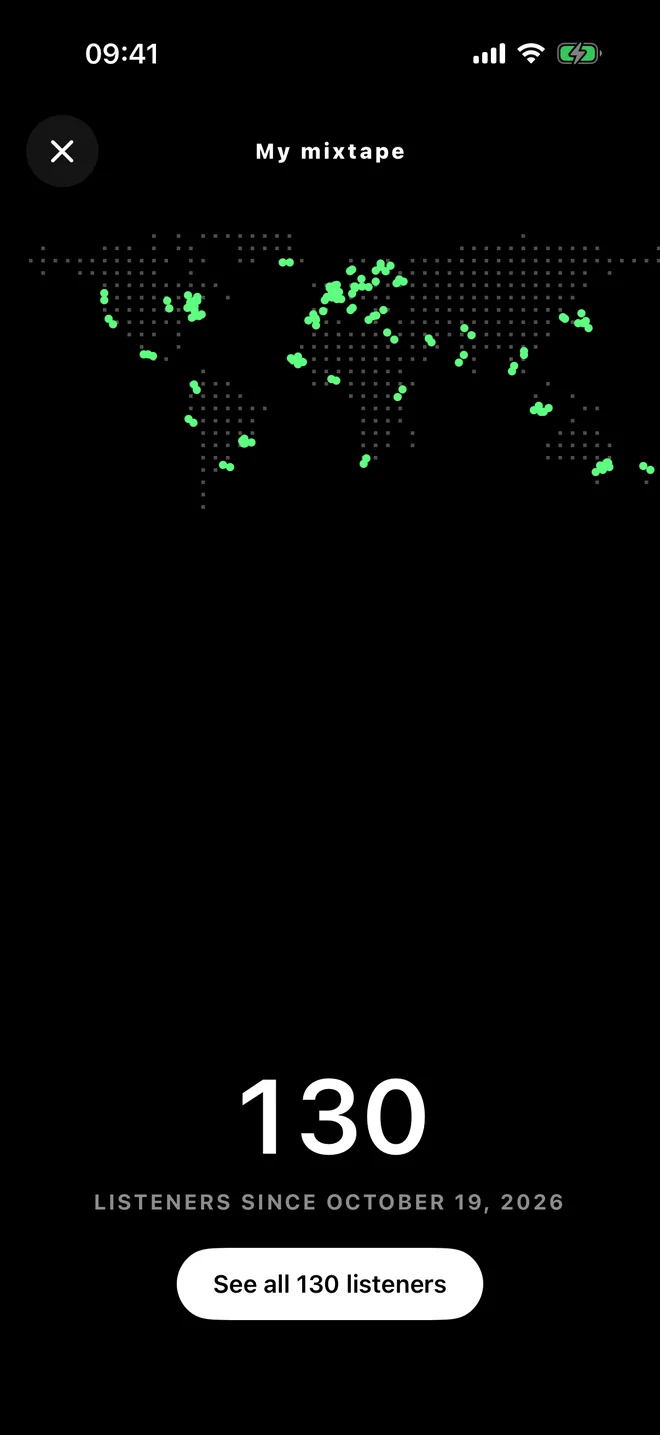
Watch it travel
Play after play, your tape’s map lights up. See the cities and countries where it is played, and who passed it to whom.
Only the person who made the tape can see its map.
06
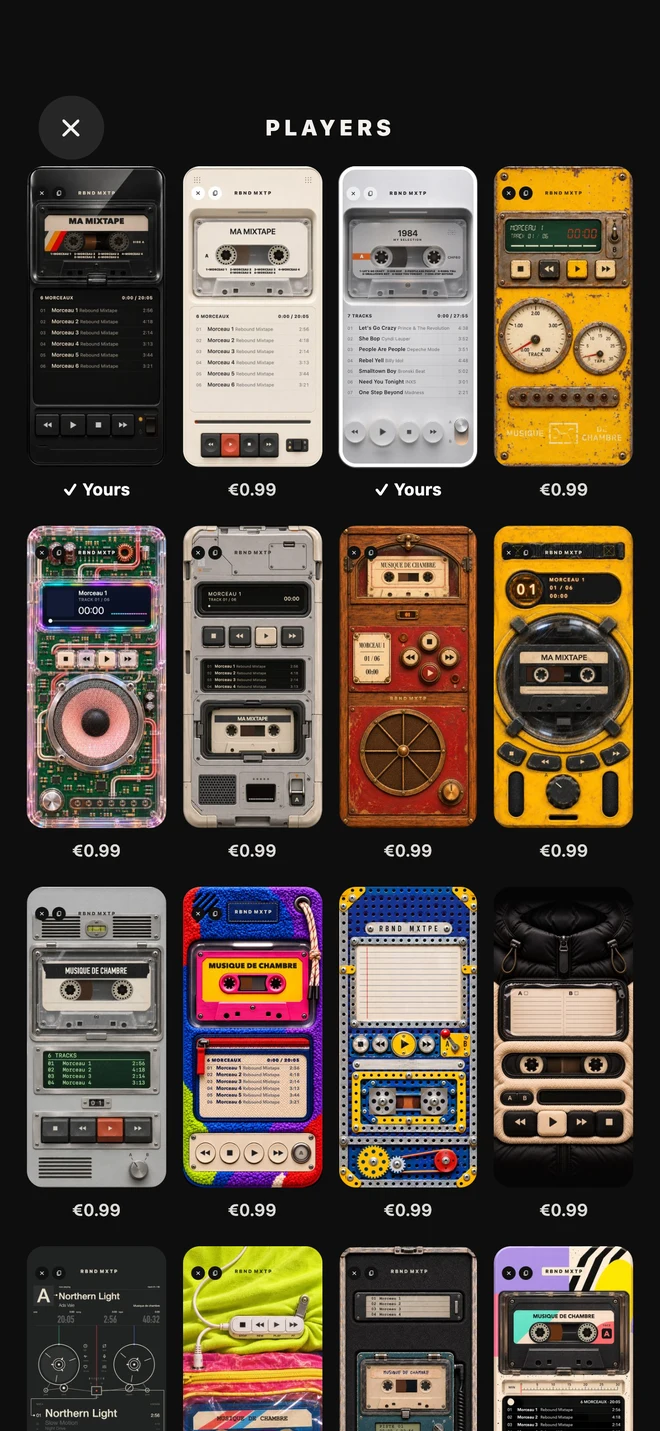
Choose your player
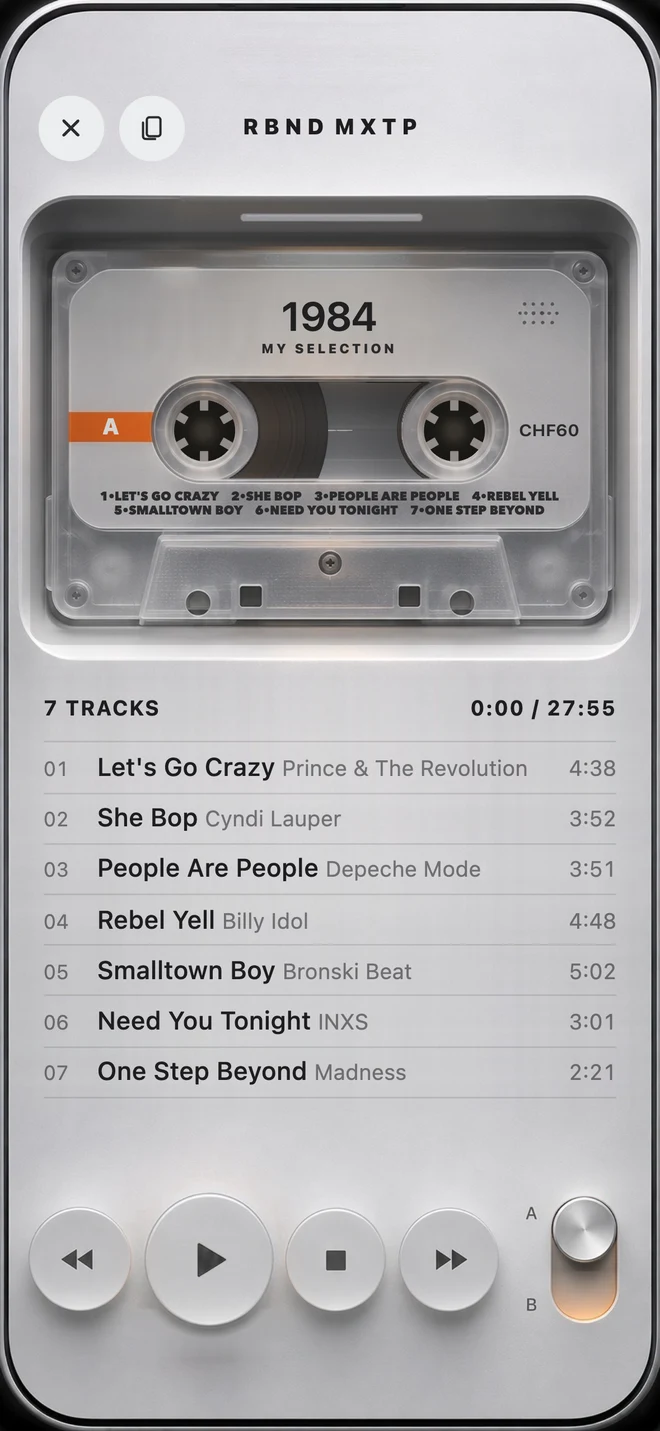
Reels turn, keys go down, mechanisms click. Choose the player you listen to your tapes on.
Two players are included. The others can be bought with a single payment, and you can try them before choosing.
Who will your first mixtape be for?
Rebound Mixtape is coming soon to the App Store.
No account to create, no ads.
Coming soon to the App StorePlaying Apple Music songs requires an Apple Music subscription.
And to listen together, live?
Discover Rebound Music